
What is Video Conferencing and How It Works?
In today’s digital-first world, businesses, schools, and government organizations rely heavily on seamless communication. Whether it’s a CXO meeting in a boardroom or a live interactive session between teachers and students, video conferencing has become a critical tool. But what exactly is video conferencing and how does it work behind the scenes?
This article breaks it down in simple terms that will help you understand the right video conferencing solution for enterprises, corporate boardrooms, and hybrid classroom setups.

What is Video Conferencing?
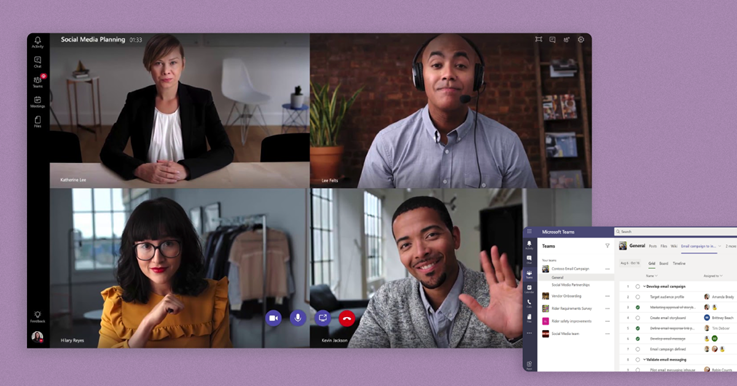
Video conferencing is a real-time communication technology that allows individuals or groups to connect virtually using audio, video, and data-sharing features. Participants can see each other, talk, collaborate, share presentations, and even edit documents together — all without being in the same place.
It has evolved from simple webcam calls to advanced systems designed for enterprises, digital boardrooms, and modern classrooms.
How Video Conferencing Works
Video conferencing may look simple — just click “Join Meeting” — but a sophisticated process runs in the background. Here’s how it works:
1. Capturing Audio & Video
Your camera captures video while your microphone picks up voice.
Corporate setups often use audio conferencing speakerphone / mic / DSP systems for crystal-clear sound and echo cancellation.
2. Compression of Signals
The audio and video streams are compressed using codecs like H.264, H.265, or Opus to ensure smooth transmission without lag.
3. Data Transmission Over the Internet
The compressed signals are transmitted through the internet using secure communication protocols (SIP, H.323, WebRTC).
4. Decompression at the Other End
Participants’ devices decode the incoming streams and display them as clear audio and video.
5. Collaboration Tools
Screen sharing, whiteboarding, annotation, and file transfer are part of the interactive layer that makes teams more productive.
Why Enterprises Need Video Conferencing Solutions
Modern organizations require robust, scalable, secure, and high-quality communication tools. A well-designed video conferencing solution in New Delhi, India for enterprises helps:
Improve internal communication
Reduce travel costs
Boost productivity
Enhance customer support
Enable remote & hybrid work culture
These solutions typically integrate with meeting room displays, unified communication tools, and SIP/H.323 conference endpoints.
Video Conferencing for Corporate Boardrooms
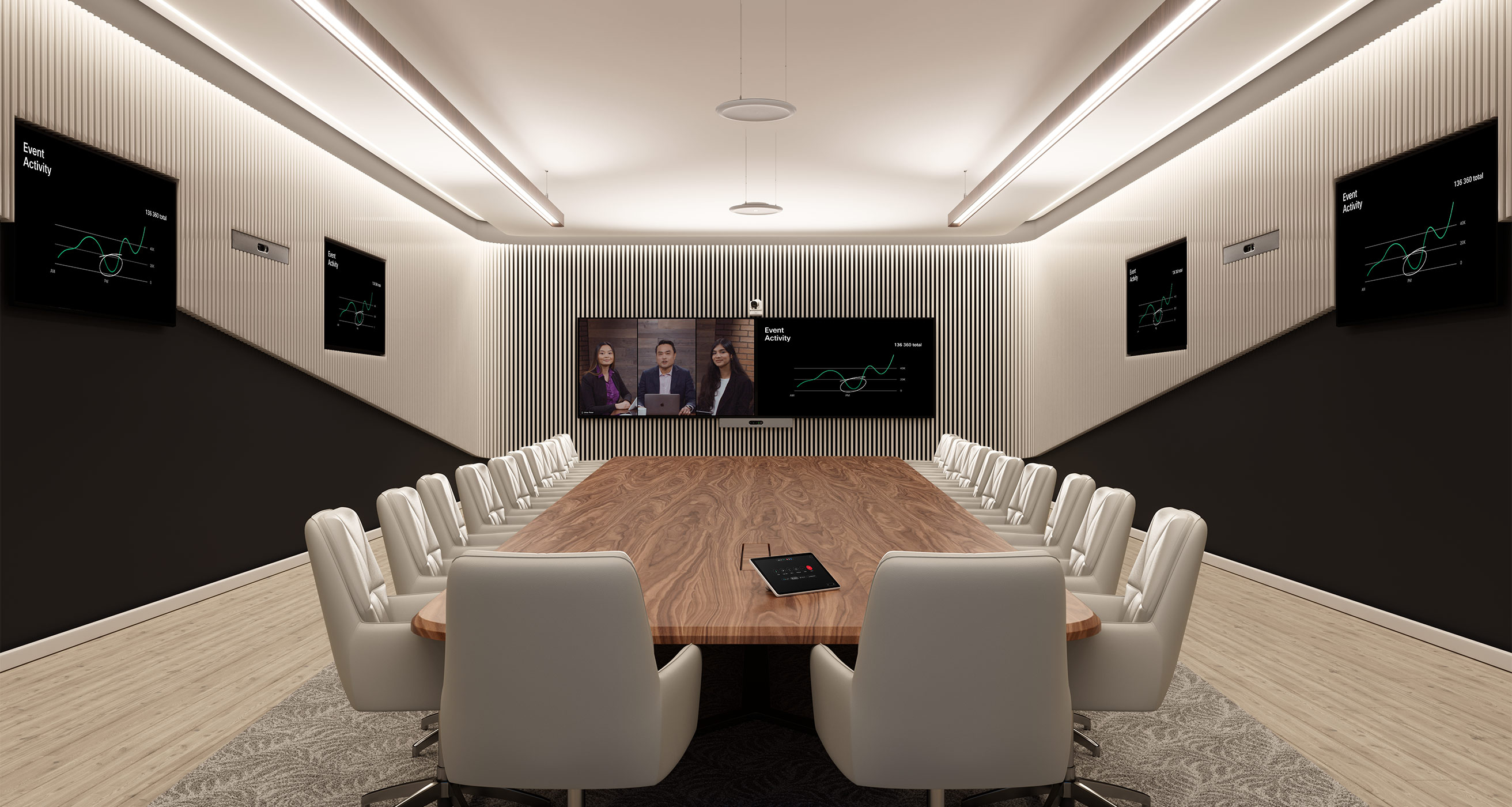
Corporate boardrooms demand high performance and a premium meeting experience.
A professional video conferencing for corporate boardrooms solution includes:
High-resolution PTZ cameras
Beamforming microphones
Integrated speakerphone systems
Ceiling microphones and DSP
Dual-display or multi-display setups
Touch interactive screens
Wireless presentation systems
These ensure every participant — in-person or remote — can communicate effectively without echo, noise, or interruptions.
Video Conferencing Solution for Hybrid Classrooms
Education has transformed drastically. Today’s learning environment is often hybrid, where some students attend physically while others join online.
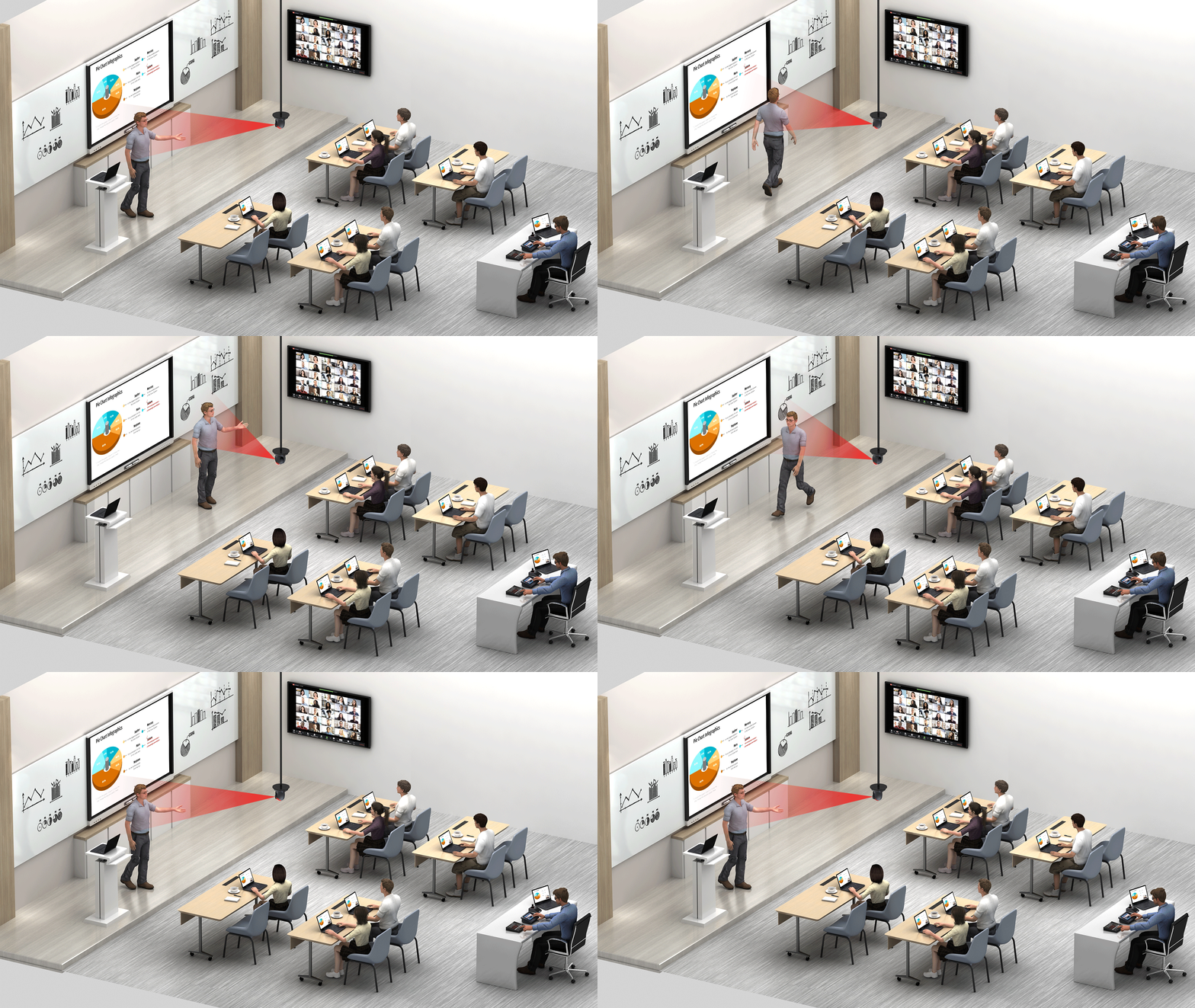
A hybrid classroom video conferencing solution includes:
Auto-tracking teacher cameras
Student-follow cameras
Ceiling mics and HD speaker systems
Interactive touch displays
Lecture capture & recording tools
AI-based noise suppression
Cloud or on-premise learning platforms
Hybrid solutions ensure remote students feel as engaged as those sitting in the classroom.
Role of Audio Conferencing: Speakerphones, Microphones & DSPs
High-quality audio defines the effectiveness of any meeting or class.
An advanced audio conferencing speakerphone / mic / DSP setup ensures:
Noise-free communication
Zero echo feedback
Room-specific audio tuning
Multiple microphone coverage
Professional-grade clarity for large rooms
DSPs (Digital Signal Processors) are especially important in boardrooms and classrooms to fine-tune audio signals automatically.
Benefits of Using Advanced Video Conferencing Technologies
✔ Better collaboration across departments
✔ Enhanced productivity and meeting efficiency
✔ Suitable for remote teams & hybrid environments
✔ Scalable from small rooms to enterprise boardrooms
✔ Cost savings on travel & logistics
✔ Better engagement in classrooms & training centers